Deutsch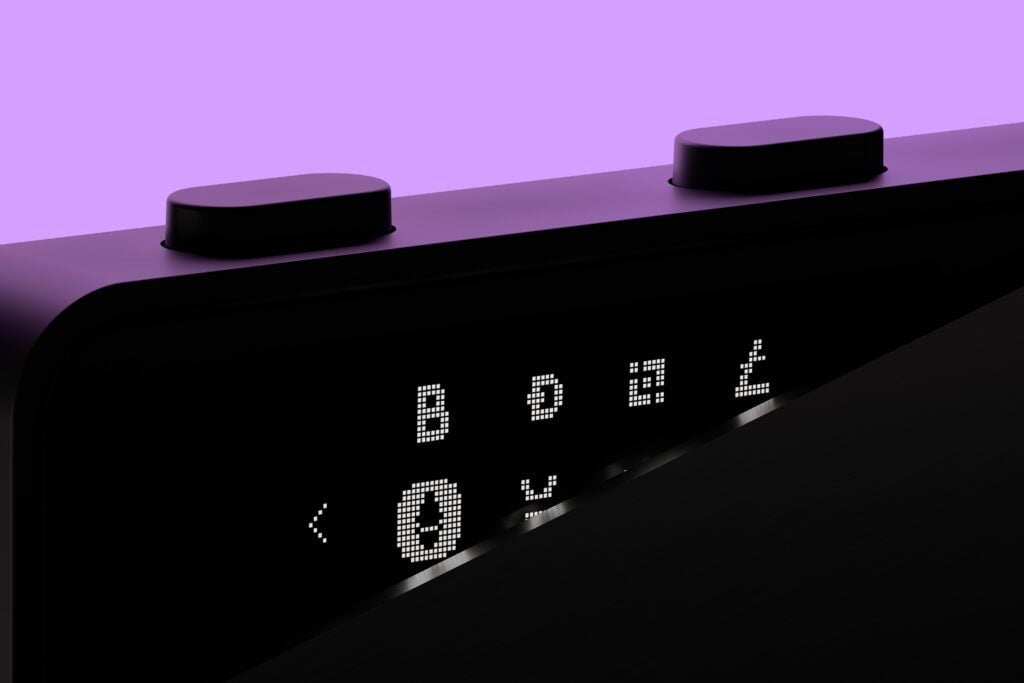
The new Ledger Nano S Plus Wallet is finally here. The hardware wallet promises maximum security at a fair price. But how does the Ledger Nano S Plus Wallet perform in our review, and is buying the hardware wallet still worth it today?
Ledger Nano S Plus: The Essentials
- The Ledger Nano S Plus Wallet supports more than 5,500 coins and tokens.
- Up to 100 apps can be installed simultaneously.
- The hardware wallet offers the same security standards as the Ledger Nano X.
- Bluetooth is not supported, meaning the wallet is used exclusively via USB.
- Especially for long-term investors, the wallet offers excellent value for money.
LEDGER NANO S PLUS
Larger display. More memory.
The world's most popular wallet just got even better.
LEDGER NANO S PLUS: First Impressions
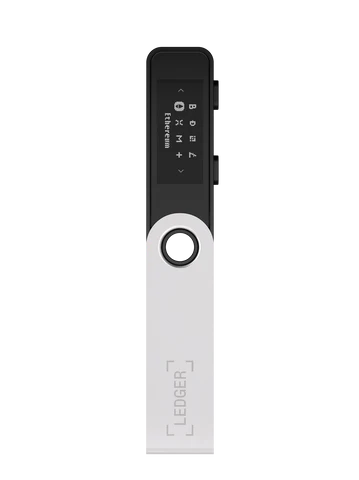
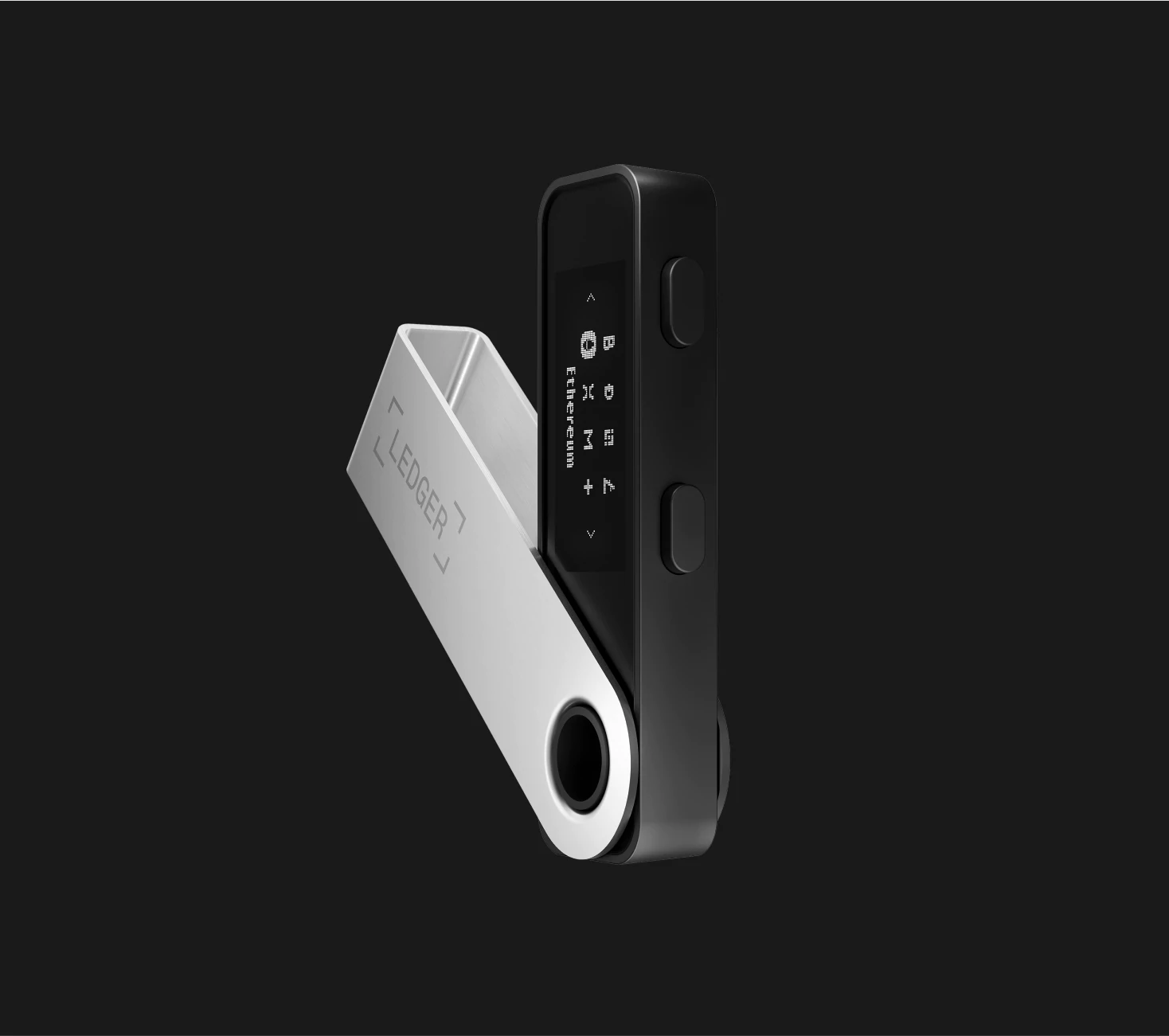
If you’ve already used the LEDGER NANO S Wallet, the first impression of the Nano S Plus Wallet won’t be surprising. Like its predecessors, it’s a hardware wallet designed like a USB stick with a sliding metal casing.
Included in the delivery are:
- The Ledger Nano S Plus Wallet
- 1 keychain
- 1 USB-C cable
- Ledger stickers
- Secret Recovery Sheet for noting down the recovery phrase
The first impression is one of high quality. The display also makes a high-quality first impression and appears larger than on the previous model.
Especially in direct comparison to the old Ledger Nano S, it’s noticeable that the larger display makes operation significantly more pleasant.
Order the Nano S Plus Ledger now from the official Ledger Shop for Switzerland.
Security: How secure is the Ledger Nano S Plus Wallet?
Hardware wallets are more secure than software wallets. This is where the Ledger Nano S Plus Wallet already scores points. A CC EAL5+ certified security chip is designed to ensure maximum security for your coins, tokens, and NFTs.
Ledger has already proven its security with previous models. In this respect, the Ledger Nano S Plus Wallet is in no way inferior to the Ledger Nano X Wallet.
Unlike the Ledger Nano X Wallet, the Ledger Nano S Plus Wallet does not support Bluetooth. While this might be a disadvantage for some, it is definitely a positive from a security perspective.
Private keys never leave the device. This protects cryptocurrencies even if the computer is infected with malware.
Guide: How to set up your Ledger Nano S Plus Wallet
Setting up the Ledger Nano S Plus Wallet is actually not very complicated. A quick start guide included in the package is already helpful.
For a quick start, first visit ledger.com/start and download the Ledger Live App. You will then be guided step-by-step through the setup process with instructions, so even crypto beginners can easily set up the hardware wallet.
Below, we will go into more detail about setting up the Ledger Nano S Plus Wallet:
- Connect the hardware wallet to your computer via USB cable. A step-by-step guide will then appear directly on the Ledger’s display. There are two buttons on the top of the Ledger itself. With the left button, you can go back one step in the guide; with the right button, you go forward one step. By pressing both buttons, you make a selection, if necessary. Holding down both buttons will take you to the settings.
- Now choose whether you want to configure the device as new or reconstruct an already active wallet.
- Then, choose a PIN code with 4 to 8 characters and repeat it. This provides additional security for your Ledger. The more characters your PIN has, the more secure it is.
- The recovery seed will now be displayed. These are 24 words in a predefined order that are particularly important. The owner of the seed can access the wallet at any time. Three recovery sheets were included with the Ledger Nano S Plus Wallet. Write down the 24 displayed words on these sheets.
- Important: Store the recovery seed securely and, above all, not digitally. It should also be protected from water damage, theft, and fire. The recovery seed is the only backup and thus the only way to access your coins, for example, if the hardware wallet is lost.
- Finally, for security, you will be asked to confirm the recovery seed again. Here, you don’t have to write down the individual terms yourself, but can select the words in the correct order from a list.
Ledger Live Installation and Setup
To then use the Ledger for transactions, you start by installing the Ledger Live App. To do this, open the URL at ledger.com/start.
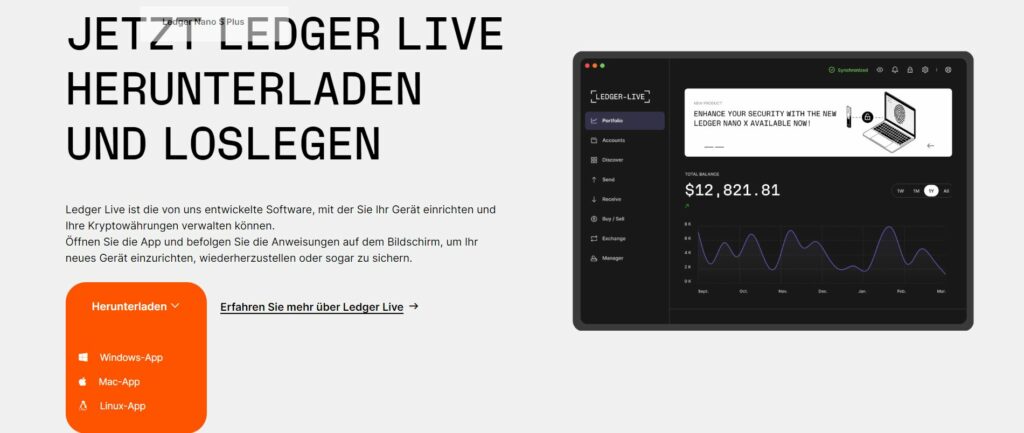
Below, we will go through the individual steps with you to create a Bitcoin account.
Ledger First Steps & Model Selection
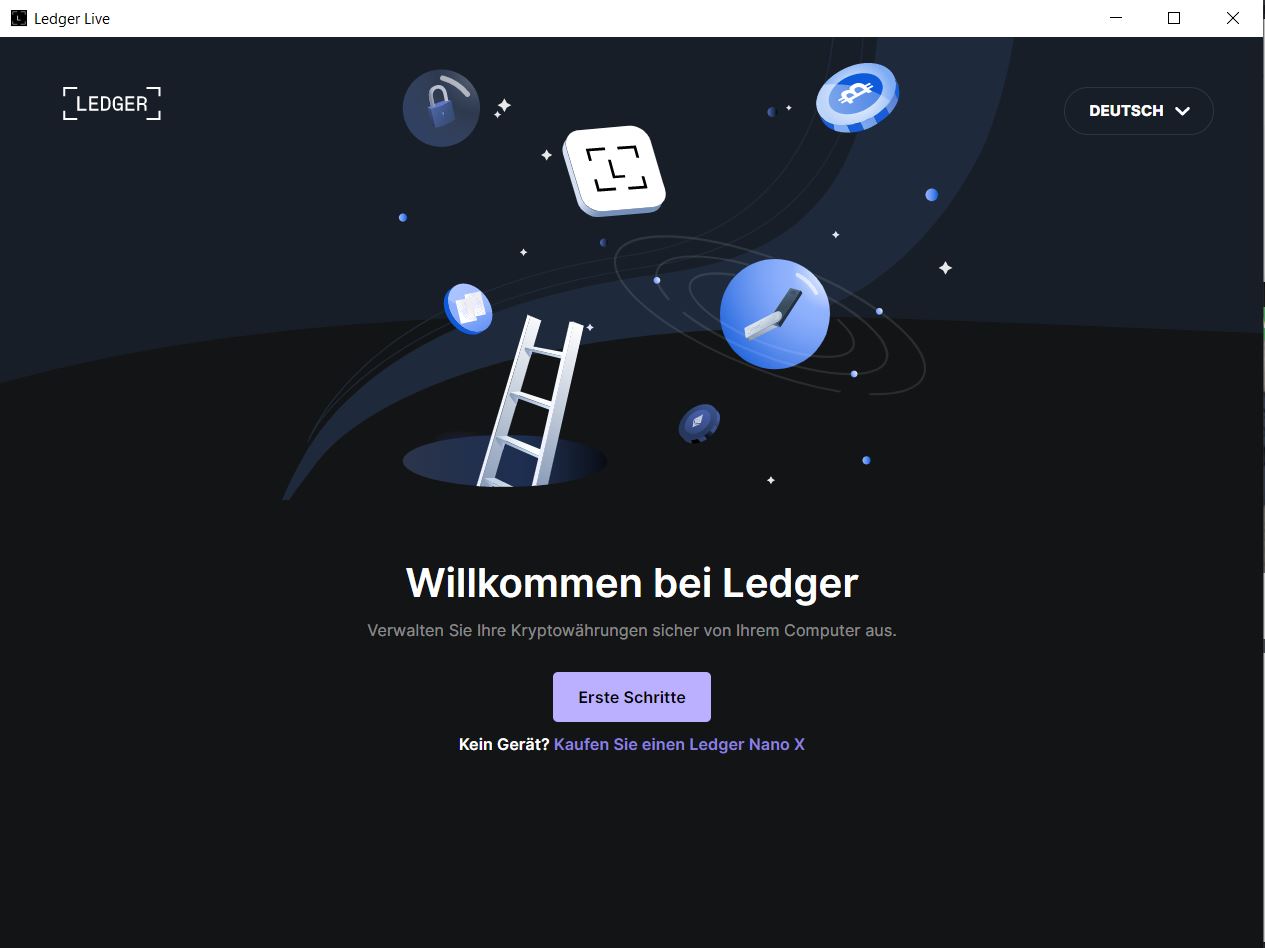
After successful installation, you will see the following start screen. After clicking “Get started,” you only need to agree to the Terms and Conditions.
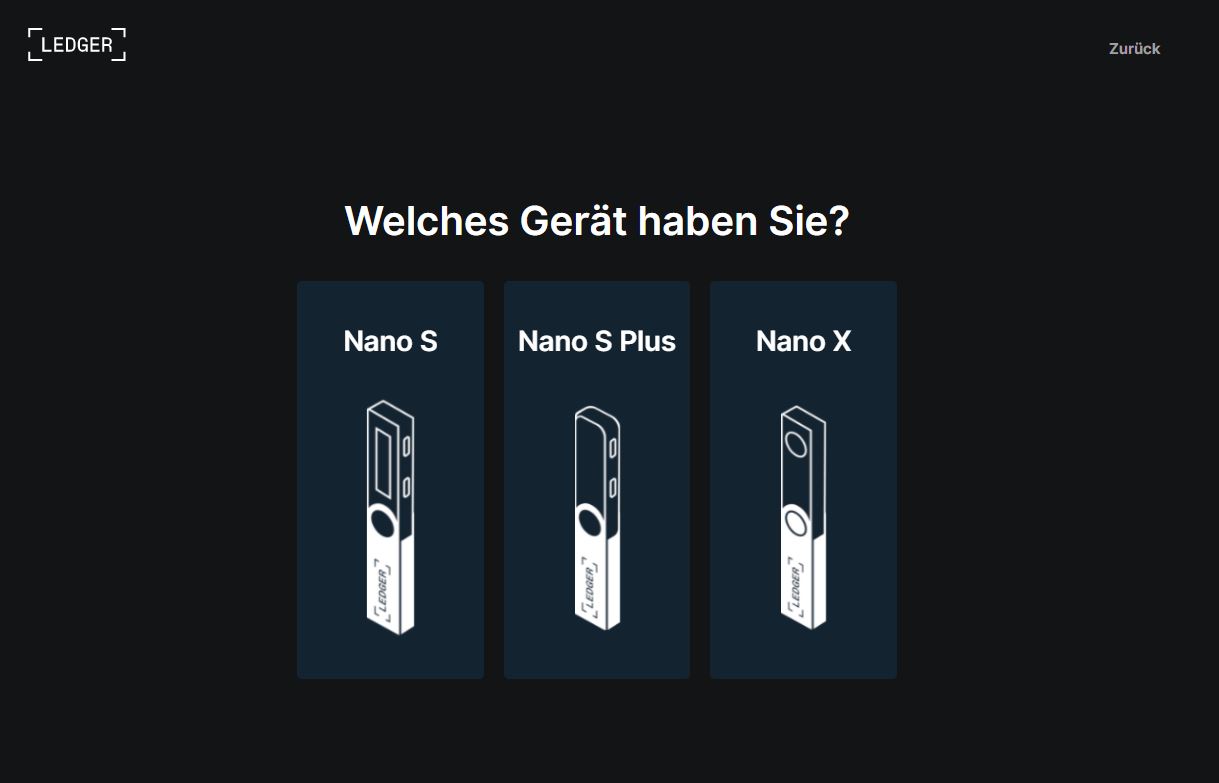
Then, select the Ledger you want to configure. For the Ledger Nano S Plus, make sure it is connected, as this model does not have a Bluetooth function.
Ledger Authenticity Check
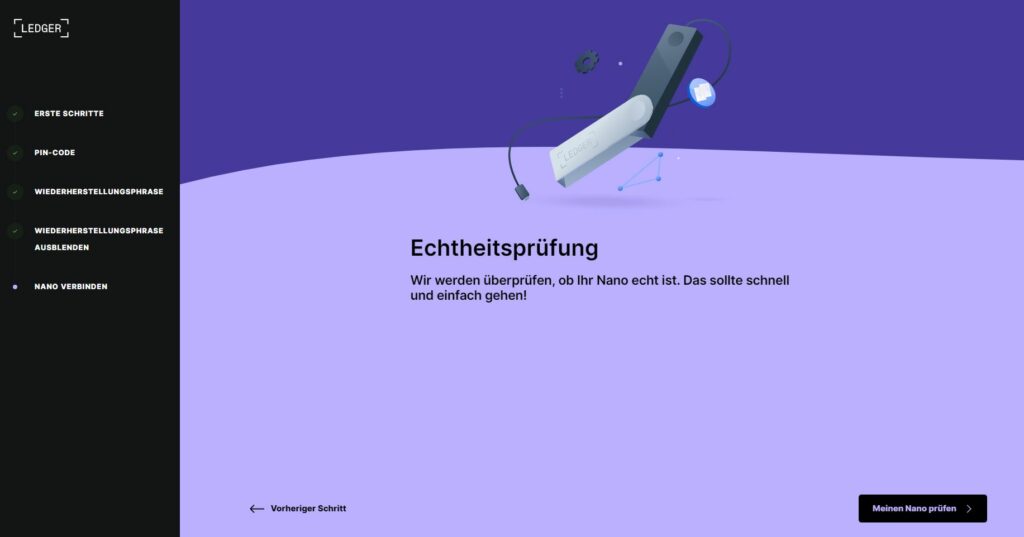
In the next step, you choose whether you are setting up the Ledger for the first time or if you have already set it up. If you followed our guide in the previous section, you have already set up the Ledger and can therefore select the second option.
Now the software wants to check if the connected Ledger is truly authentic to ensure user security.
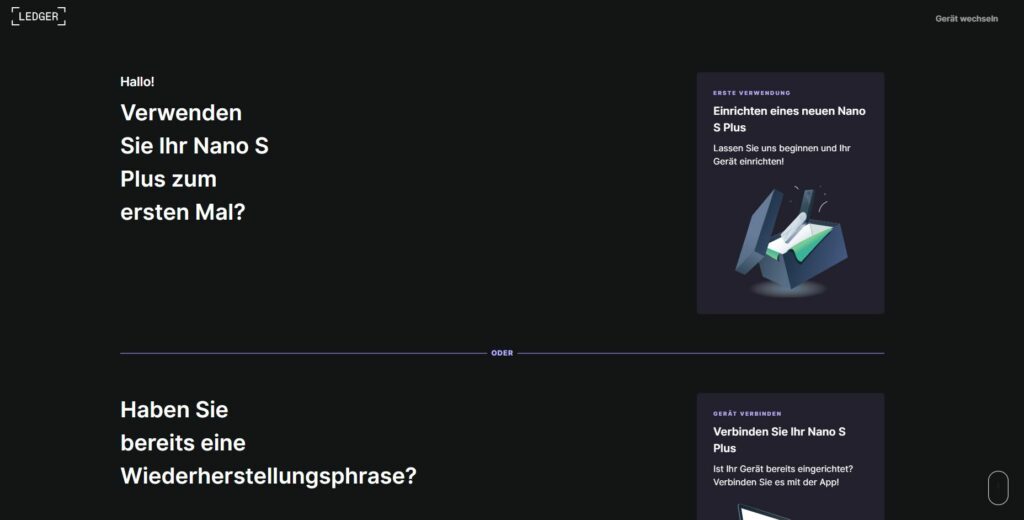
In our case, everything went smoothly. Make sure you only buy Ledger Wallets from reputable providers. Avoid buying on eBay Classifieds or from unknown third-party providers.

Set up Bitcoin Account for the Ledger
You can now access the Ledger Live interface. However, many menu items are still grayed out. This is because no account has been set up yet. We start this process by clicking “Add account.”
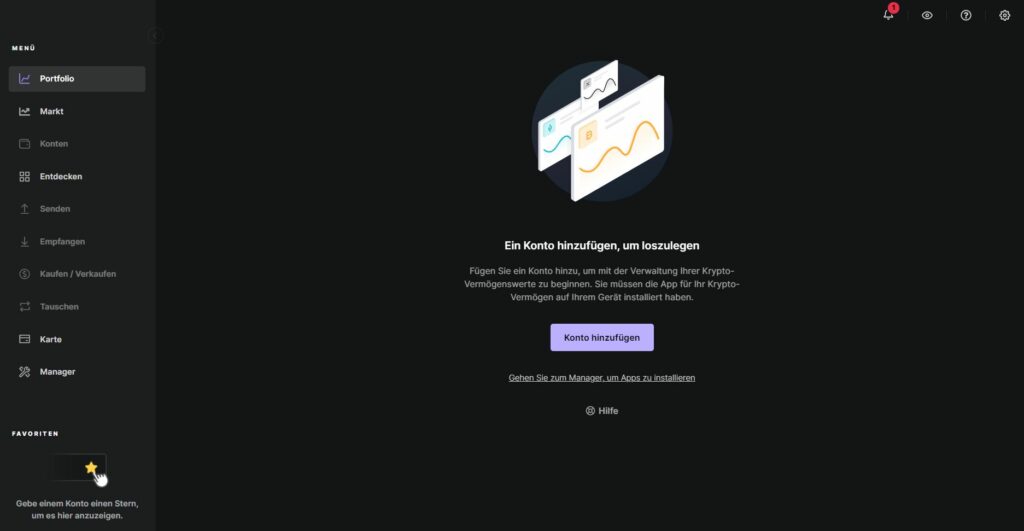
In this step, you select the cryptocurrency for which you want to create an account from the numerous cryptocurrencies.
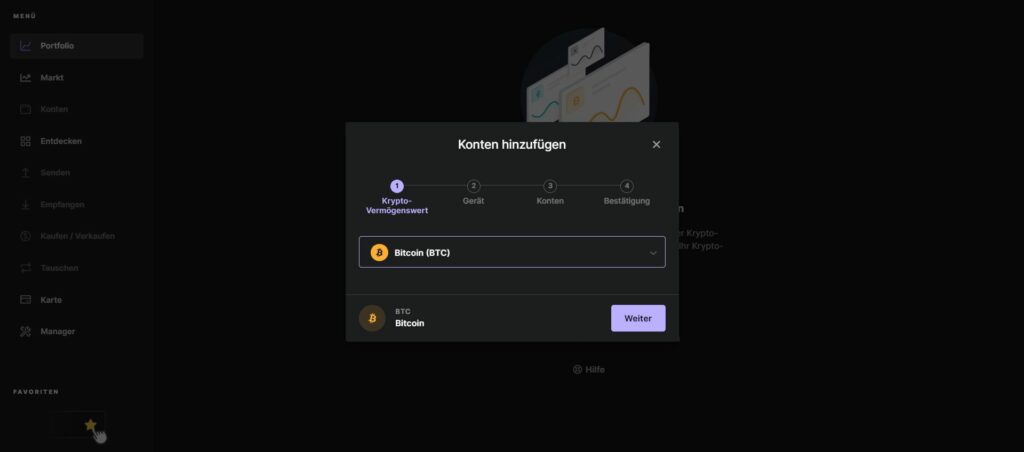
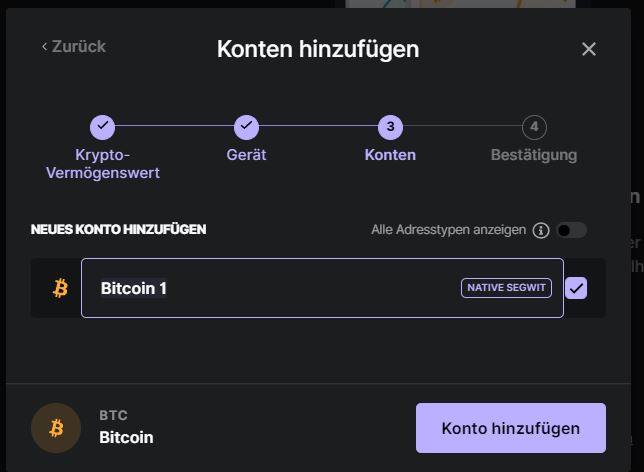
In the next step, the software connects to your Ledger. After configuration, the words “Bitcoin is ready” will appear on your Ledger, and you can now access the complete Ledger Live interface.
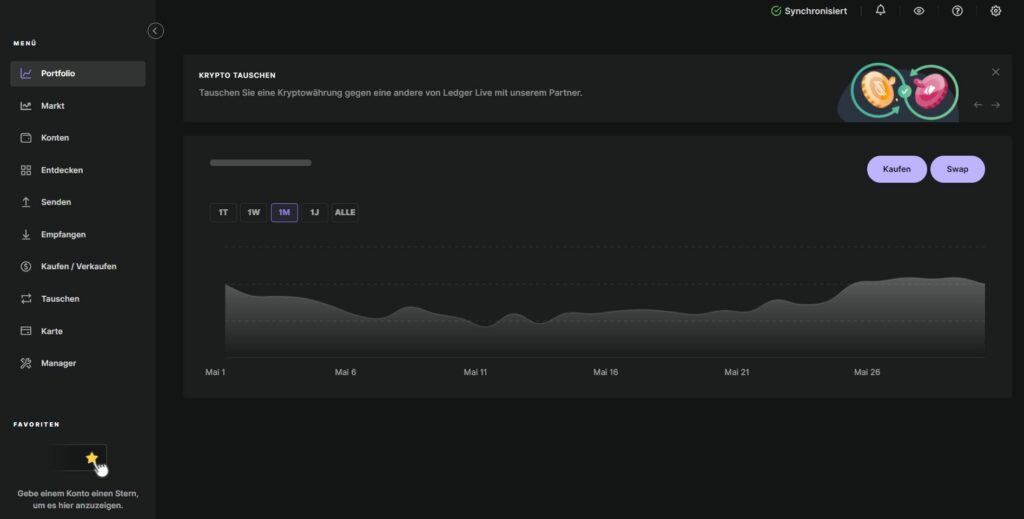
You can now use your Ledger Nano S Plus without restrictions.
Pros and Cons of the Ledger Nano S Plus Wallet
| Advantages | Disadvantages |
|---|---|
| More than 5,500 supported coins and tokens | No Bluetooth function |
| Up to 100 apps simultaneously | Wired use only |
| High security standards | No integrated battery |
| Larger display than the Ledger Nano S | Less flexible for mobile use than the Nano X |
| Easy setup |
Conclusion
The Ledger Nano S Plus Wallet is designed for up to 100 apps. Additionally, you can store more than 5,500 coins and tokens.
Combined with its ease of use and setup, Ledger once again brings a strong model to the market.
Especially when compared to the Ledger Nano S Wallet, significant improvements are evident, with the larger display being a simple but very practical change.
If you can do without Bluetooth and are looking for a secure hardware wallet at a fair price, we believe the Ledger Nano S Plus is an excellent choice.
Over time, we will continue to report on our experiences with the hardware wallet and continuously expand this article for you.
LEDGER NANO S PLUS
Larger display. More memory.
The world's most popular wallet just got even better.